If a family member received an automatic alert after a Fort Wayne crash, keep that message and identify which device sent it. This guide explains how to organize that narrow piece of the picture. Our Fort Wayne car accident attorney page explains the broader injury-claim process.
Key takeaways
- A crash alert, an emergency call, and raw sensor data are different things.
- Manufacturer documentation does not promise a downloadable reconstruction file.
- Save available messages and call details without editing your only copies.
- Record who carried the device, not just who owns the account.
- A missing alert alone does not establish that no crash occurred.
What does a phone or smartwatch crash alert mean?
Apple's Crash Detection documentation[1] describes a safety feature designed to detect severe passenger-vehicle crashes. On supported devices, it can display an alert and, if the user does not respond, call emergency services. When configured with emergency contacts, it can also send a message sharing the user's location, subject to the messaging conditions Apple identifies.
That description tells you what the feature is designed to do. It does not resolve responsibility for a particular collision, identify the driver, or assess anyone’s injuries. Keep those questions separate from the fact that a notification appeared.
Google's Pixel emergency-help guide[2] describes its own Car Crash Detection feature. It can use location, motion sensors, and nearby sounds to detect a possible severe crash, and it requires specified permissions. Google also identifies circumstances in which detection or an emergency call may not work. Check the manufacturer's instructions for the actual model and software rather than assuming every phone or watch behaves alike.
Google also has a separate Pixel Watch safety guide[3]. It explains that Emergency Sharing can share real-time location with emergency contacts when a crash is detected and the user does not respond. If your family received a message, identify the watch or phone involved and the feature in use; do not assume a generic “SOS” description identifies the same function on every device.

Does a crash alert mean the device saved sensor data?
Not necessarily. Apple's privacy explanation is especially important: sensor data used to detect severe crashes is processed on the device and discarded after a crash is detected unless the user agrees to share data to improve Crash Detection. Apple also says raw audio is never collected or stored for Crash Detection or to improve the feature.
Do not turn that sharing exception into a promise that Apple holds a retrievable file for your accident. The support page does not say that a user, lawyer, or examiner can obtain a complete sensor record on the basis of an alert alone. It also does not mean that an emergency-call recording could never exist somewhere else; a dispatcher record and the phone's crash-detection inputs are different sources.
Google's cited guide describes how Pixel detection works, but it does not establish that a particular user can retrieve a complete raw sensor history. Apple's stated handling of sensor inputs should not be assumed to describe Google's systems. The useful question is specific: What record exists for this device, this feature, and this event, and who actually has it?
This is also different from a vehicle module. Our guide to passenger-vehicle black boxes and EDR records addresses that separate source. A phone alert should not be described as a vehicle black-box download.

Which records should you look for and save?
Start with information you can lawfully access and can identify accurately. The following is an organization checklist, not a promise that every item exists or an instruction to extract hidden device data.
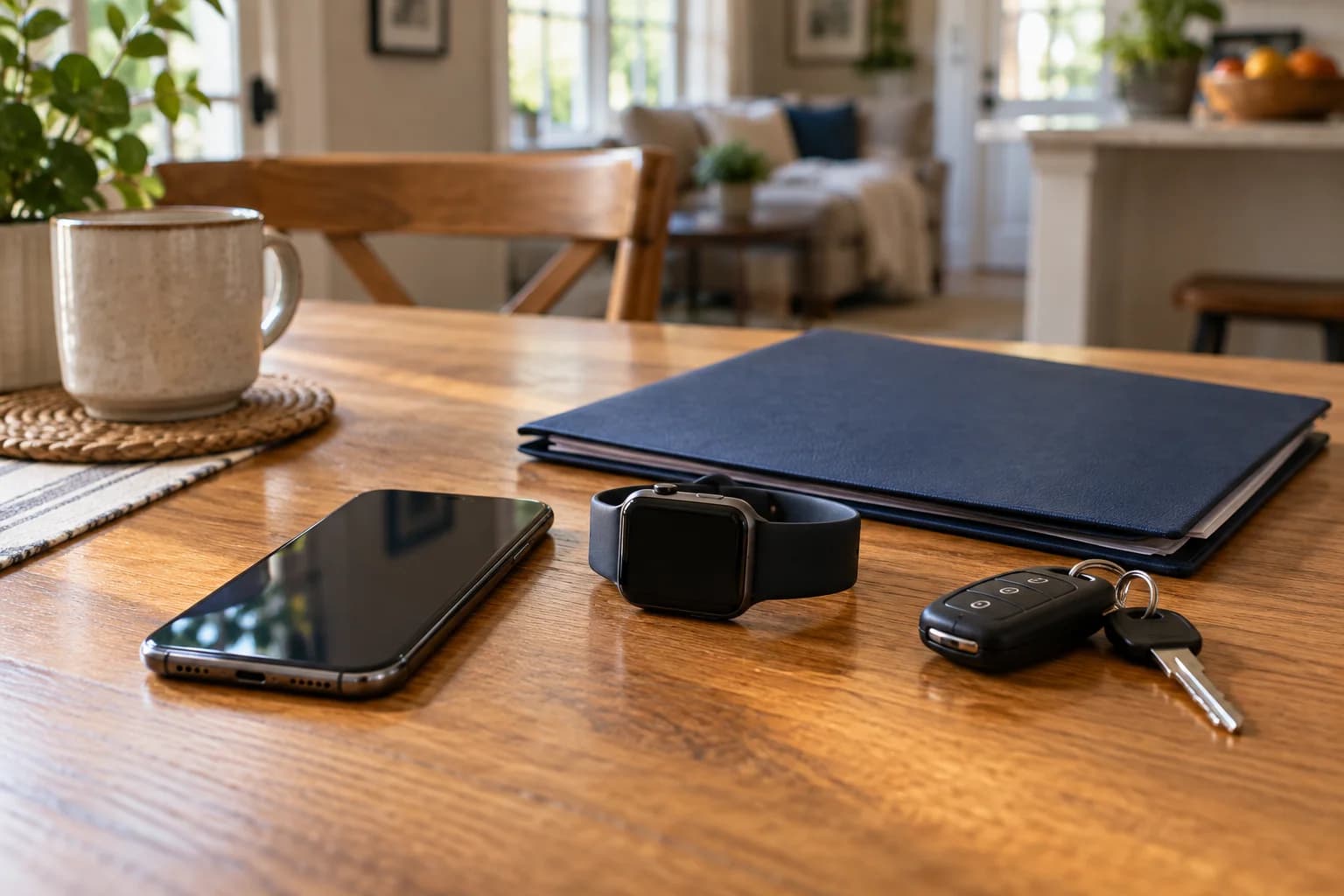
| Possible record | Where to look or ask | What to keep in mind |
|---|---|---|
| Visible alert or notification | Your own device, if the item remains available | Keep the date, displayed wording, and context. A screenshot is not a raw sensor export. |
| Emergency-contact message | The relative or other contact who received it | Ask the recipient to preserve the original conversation and displayed time, not only a cropped forwarded image. |
| Call details | Your available call history and related records | Identify the time and number shown. Do not assume the displayed time is the precise moment of impact. |
| Device and feature information | Model details and available settings information | Record when you checked it. Today's setting does not by itself establish the setting at the collision. |
| Emergency-response record | The agency that actually handled the call | Ask what records exist and how to request them; availability and access are not established by the phone's alert. |
For a Fort Wayne or Allen County collision, note the road or intersection, approximate time, responding agency, and any incident number you were given. Identify the agency from the actual response information rather than assuming the city named in a mailing address handled the call. This guide does not prescribe a local records-request procedure or retention period.
If an insurance driving app is the source of the disputed item, use our separate explanation of insurance telematics and app records. A driving score and an automatic emergency notification answer different questions.

How can you organize the alert and the crash timeline?
Make a short record list with four columns: the item, where it came from, the time displayed, and what you personally know about it. Keep your explanation outside the original message or file.
- Identify the device and person. Note the phone or watch model if known, its owner, who carried or wore it, and whether that person was driving or riding.
- Keep available originals. Save accessible messages and files without marking up the only copy. If you make a screenshot or export, note when and how you made it.
- Separate the times. List impact time if known, alert time, call time, and message-receipt time separately. If a record's time zone is unclear, mark it as unclear rather than changing it.
- Distinguish observations from reports. “I saw this notification” and “my sister told me she received a message” are different entries. Ask the sister to keep her own record.
- Identify gaps honestly. Write “not available” or “not known” when appropriate. Do not reconstruct a missing display from memory and present it as the original.
Hypothetical example: A passenger's watch initiates an emergency call, and a relative receives a location message. The useful starting point is the passenger's device, the call information, and the relative's original message. The watch's ownership does not make its owner the driver, and the message's receipt time should not automatically become the collision time.
Compare those items with the rest of the available information instead of asking the alert to explain the entire accident. Our Indiana car-accident evidence guide covers photographs, witness information, medical records, and other distinct sources.

What if no alert appeared—or an alert seems wrong?
Apple expressly says Crash Detection cannot detect all car crashes. Google similarly warns that a phone may not detect every crash and that high-impact activities can trigger its feature. Google's guide also identifies possible calling obstacles, such as a weak mobile network.
Given those documented limits, a missing notification is not proof that a collision did not happen. Likewise, an alert deserves context rather than an assumption that its label resolves every question about the event. A feature's name is not a medical assessment or a finding about responsibility.
If the display seems inconsistent with what happened, preserve what you can and write down the inconsistency separately. Do not delete an inconvenient message, change your description to fit it, or test the feature by recreating a dangerous event. In an emergency, obtaining help takes priority over documenting a screen.
How should you handle the device and private information?
If the device may matter to an injury claim, discuss preservation before a planned trade-in, reset, disposal, or repair that could change its contents. Tell your attorney if one of those steps has already happened. Do not assume a specialist can restore data that was never retained.
This article is not a forensic handling protocol. Whether to change power, connectivity, settings, backups, or normal use requires device-specific advice; improvising with unfamiliar extraction tools is not the purpose of this checklist. Do not bypass another person's lock or enter someone else's account.
Keep account passwords, unrelated messages, health information, and location history private. If someone requests a full-device upload or broad account access, ask what specific information is sought and discuss the scope with counsel. Do not silently disregard a request; get guidance about responding while keeping a copy of the request itself.

Frequently asked questions
Can I download an Apple Watch recording of my crash?
Do not assume such a recording exists. Apple says the sensor data used for Crash Detection is processed on the device and discarded after detection unless you agree to share data to improve the feature. Its support page does not promise a downloadable accident file. Available messages or call details are separate records.
Does no crash alert mean the impact was minor?
No such conclusion follows from the absence of an alert alone. Apple says its feature cannot detect all crashes, and Google identifies missed detections and other operating constraints. Record what happened and what information is available instead of using the missing notification to classify the collision.
Can a passenger's phone or watch be relevant?
It is worth identifying an available alert or message from a passenger's device. Note who carried it and who was driving, and preserve the original item if accessible. Do not attribute the passenger's device activity to the driver on the basis of their shared ride.
Should I keep a screenshot of the notification?
If it is safely available on your device, a screenshot can document what you saw. Keep it unchanged, note when you captured it, and preserve the original message or available file as well. A screenshot is not a complete sensor record or a substitute for device-specific advice.
Does Crash Detection secretly save audio of the collision?
Apple says raw audio is never collected or stored for its Crash Detection feature or to improve it. That statement concerns Apple's detection function, not whether a separate emergency-call recording exists with a responding agency. Check other manufacturers' documentation separately rather than applying Apple's statement to every device.
Preparing for a private case review
Bring the device model, available alert or message copies, who received them, any call or incident number, and a short note about proposed device repairs or replacement. Identify what is missing without guessing. Delventhal Law Office can review how those records fit with the other information about your Indiana injury claim and whether technical help is appropriate.
If you were hurt and are unsure what to preserve, request a free consultation. You do not need to upload your entire phone or share account passwords to explain the concern. Back to contents.
This article is general information about Indiana law and is not legal advice. Reading it does not create an attorney-client relationship, and neither does contacting us.