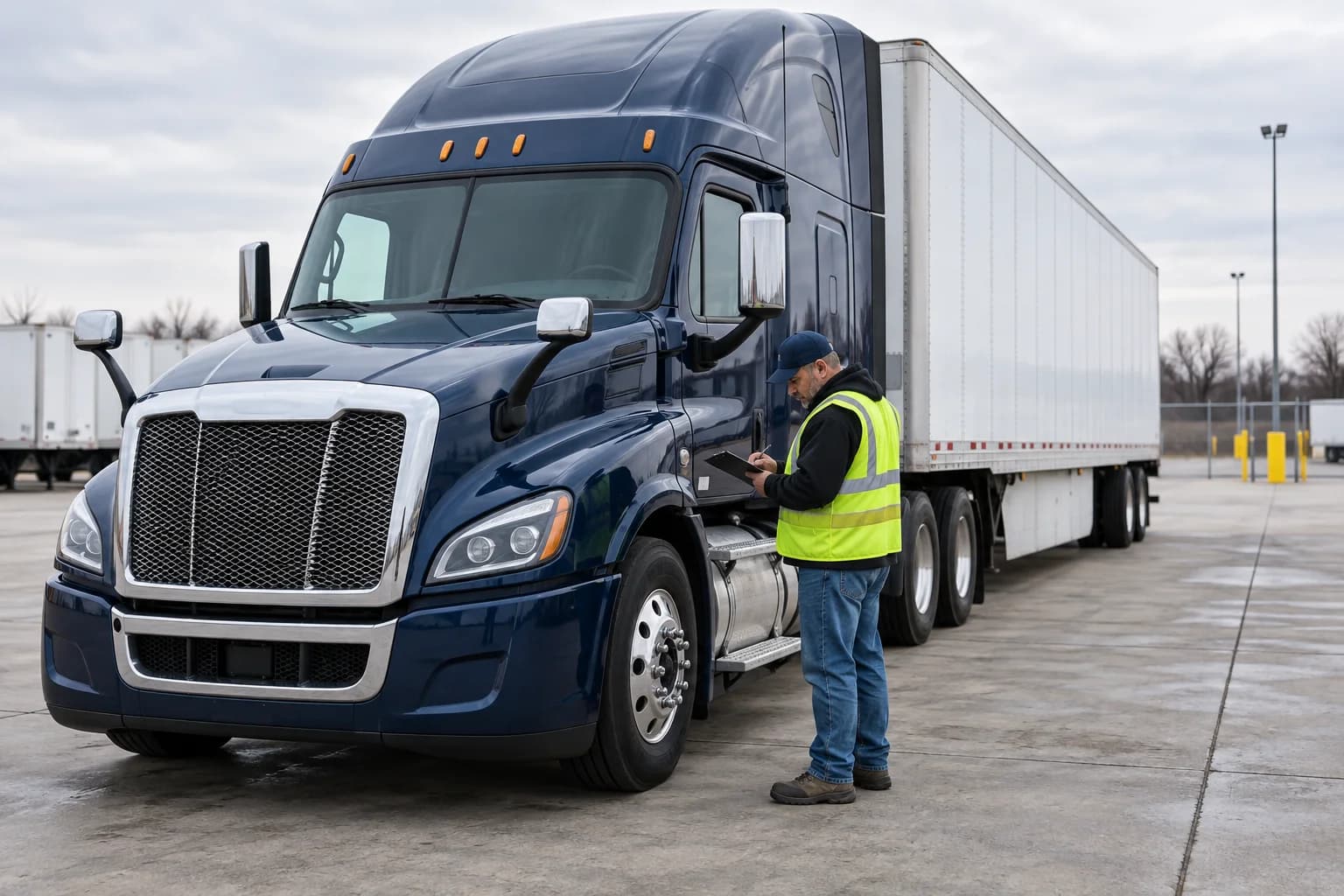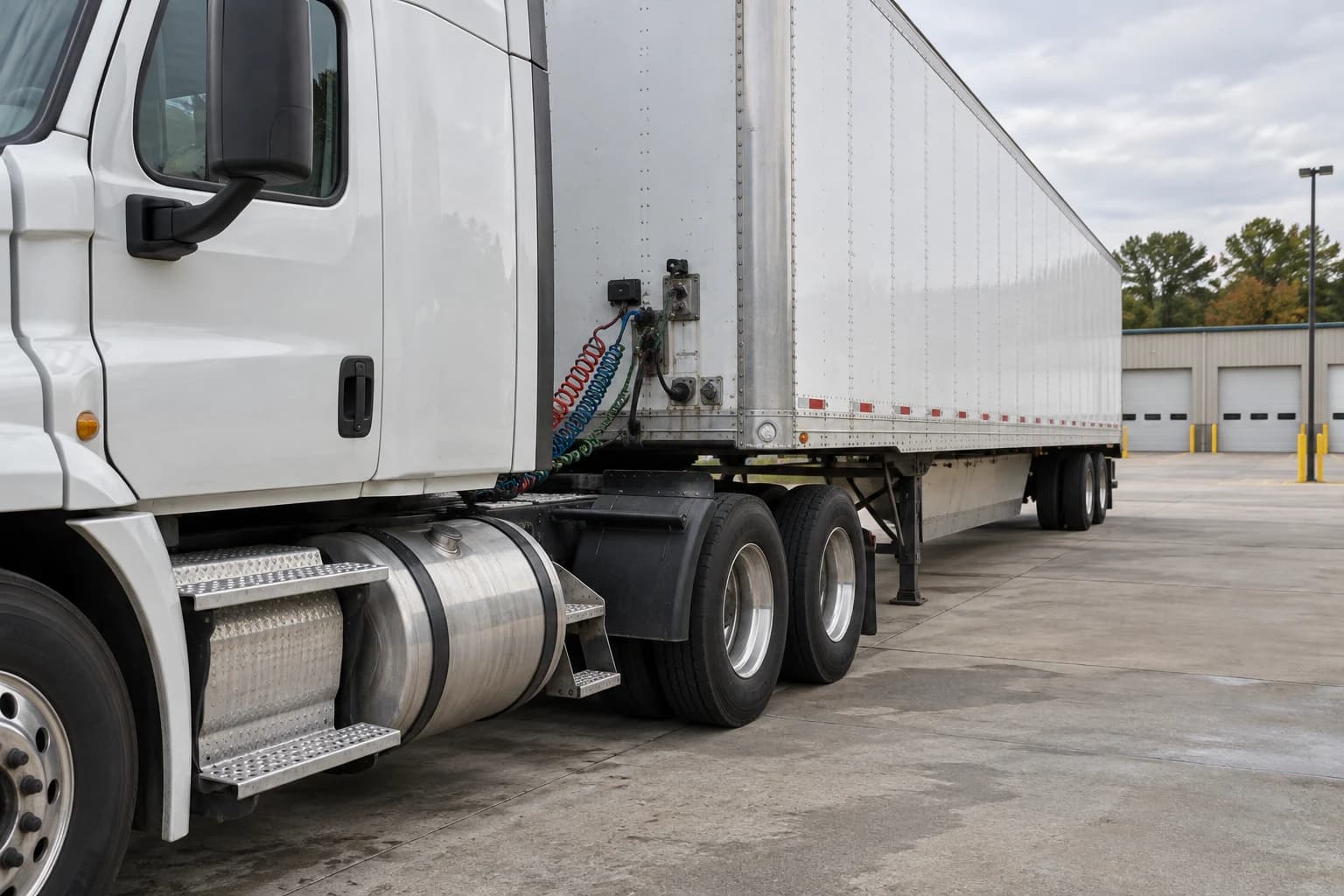
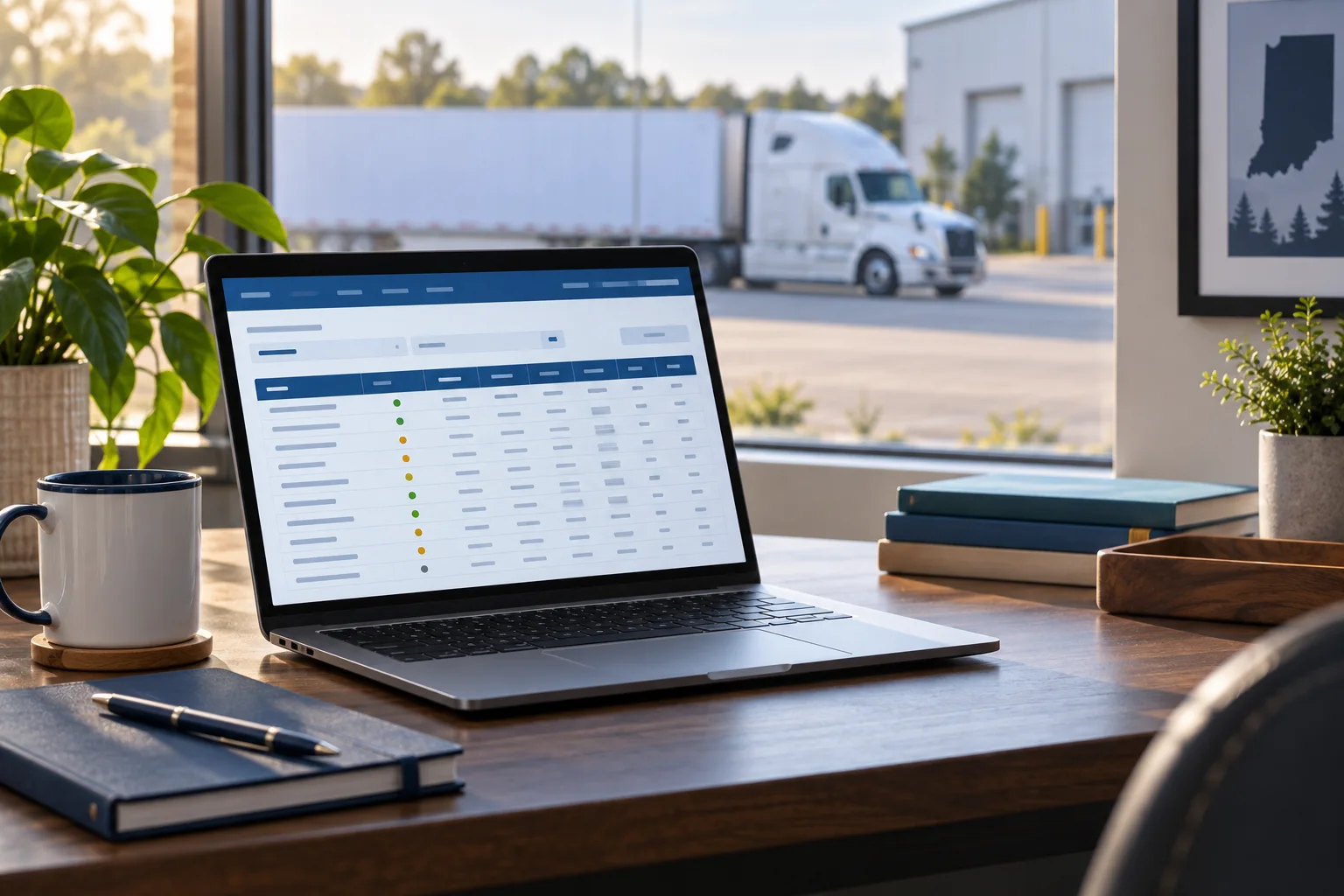
After a truck crash on I-69, US-30, or US-24 near Fort Wayne, a family may have a photograph of the tractor, a name on a trailer, and several companies listed in paperwork. Before drawing conclusions about a safety record, make sure the record belongs to the motor carrier involved. A familiar logo alone is not a reliable match.
This guide explains how to look up and organize public carrier information. For the broader investigation, our Fort Wayne truck accident page explains how Delventhal Law Office approaches truck-injury cases.
Key takeaways
- Search by USDOT number when you have it, and verify the legal name and address.
- Keep inspection counts, out-of-service percentages, crash counts, and safety ratings separate.
- Missing data or no listed rating is not a clean bill of health.
- A listed crash does not, by itself, tell you who was at fault.
- Preserve a dated copy, including the notes and reporting period—not just an alarming number.
1. Identify the right carrier before searching
Start with information you already have: photographs of the truck’s markings, the carrier details in crash paperwork, and correspondence identifying the truck or company. Do not return to an unsafe roadside or enter a trucking yard to obtain a number.
Write down the USDOT number exactly as shown. Also retain the company name, tractor and trailer identifiers, license plates, and any address in the records. If a digit is blurry, mark it as uncertain rather than guessing.
The SAFER field definitions[1] distinguish the company’s legal name from its DBA name—a trade name used to do business. Those definitions also distinguish a USDOT identifier from an MC/MX/FF authority number. Copy each into a separate labeled field instead of treating the numbers as interchangeable.
If several companies have similar names, compare the identifiers and address before proceeding. If the records still conflict, save the conflicting information for review. Do not combine two companies’ crash or inspection histories.

2. Open the official Company Snapshot
Go directly to FMCSA’s Company Snapshot search[2]. The agency describes this as a free, one-carrier-at-a-time lookup and offers searches by USDOT number, MC/MX number, or company name. You do not need to buy a commercial safety report to start.
- Select the search type that matches your identifier.
- Enter the number or name without adding unrelated details.
- Check the returned legal name, DBA name, address, and USDOT number.
- Record the displayed data date and the reporting period for each summary.
- Save the full page before making notes about individual fields.
A search with no result is a reason to recheck the spelling, number, and entity—not a finding about the company’s safety. Use the search page’s current labels if its layout changes.
For an Indiana crash involving an out-of-state carrier, compare the identifiers rather than assuming the company’s principal office will be in Indiana. Keep the crash location and company address as separate facts in your notes.

3. Read each field for the question it actually answers
The official SAFER help page[1] explains the identification, inspection, crash, and rating fields. The most useful reading habit is to ask two questions: “What does this field show?” and “What does it leave unanswered?”
| Field | How to use it |
|---|---|
| Identity | Match the USDOT number, legal name, DBA, and address. A similar business name is not enough. |
| Fleet size | Record power units, drivers, and the dates associated with reported information. A larger fleet has different exposure than a small one. |
| Inspections | Read vehicle and driver inspection counts separately. They are not simply a count of unique trucks or employees. |
| Out of service | Save the count and percentage together. A percentage without its inspection count can be misleading. |
| Crashes | Read the time window, categories, and explanatory notes. Listed involvement does not establish fault. |
| Safety rating | Record the rating, if any, and its date. Do not substitute a website’s private score for FMCSA’s formal rating. |
| Operating status | Read the definition for the displayed status and the carrier’s operation type. Registration and safety ratings are different fields. |
Inspection percentages need a denominator
SAFER defines the out-of-service percentage by reference to inspections resulting in out-of-service status. In a hypothetical arithmetic example, one such inspection out of two is 50%; ten out of one hundred is 10%. These invented numbers show why a percentage alone is not enough to compare fleets. They are not actual carrier results.
Keep driver and vehicle figures separate, note the reporting window, and look at the underlying records before assuming a pattern. An inspection summary does not identify whether a particular defect existed on the truck involved in your collision. That question calls for truck-specific documentation, discussed in our guide to truck maintenance and repair records.
No rating is not the same as a favorable rating
FMCSA lists formal safety ratings separately from SMS information. Its SMS Help Center[3] explains that the rating is not based on the BASIC category results. A missing rating should therefore be recorded as missing—not translated into “passed.” Likewise, a dated favorable rating is not a report about the condition of one truck on the day of your crash.
Operating status also needs context. For example, SAFER’s explanation of “NOT AUTHORIZED”[1] says that designation does not apply to private or intrastate operations. Do not turn a status label into a blanket conclusion that every trip was unlawful.
4. Check SMS, but do not treat it as a verdict
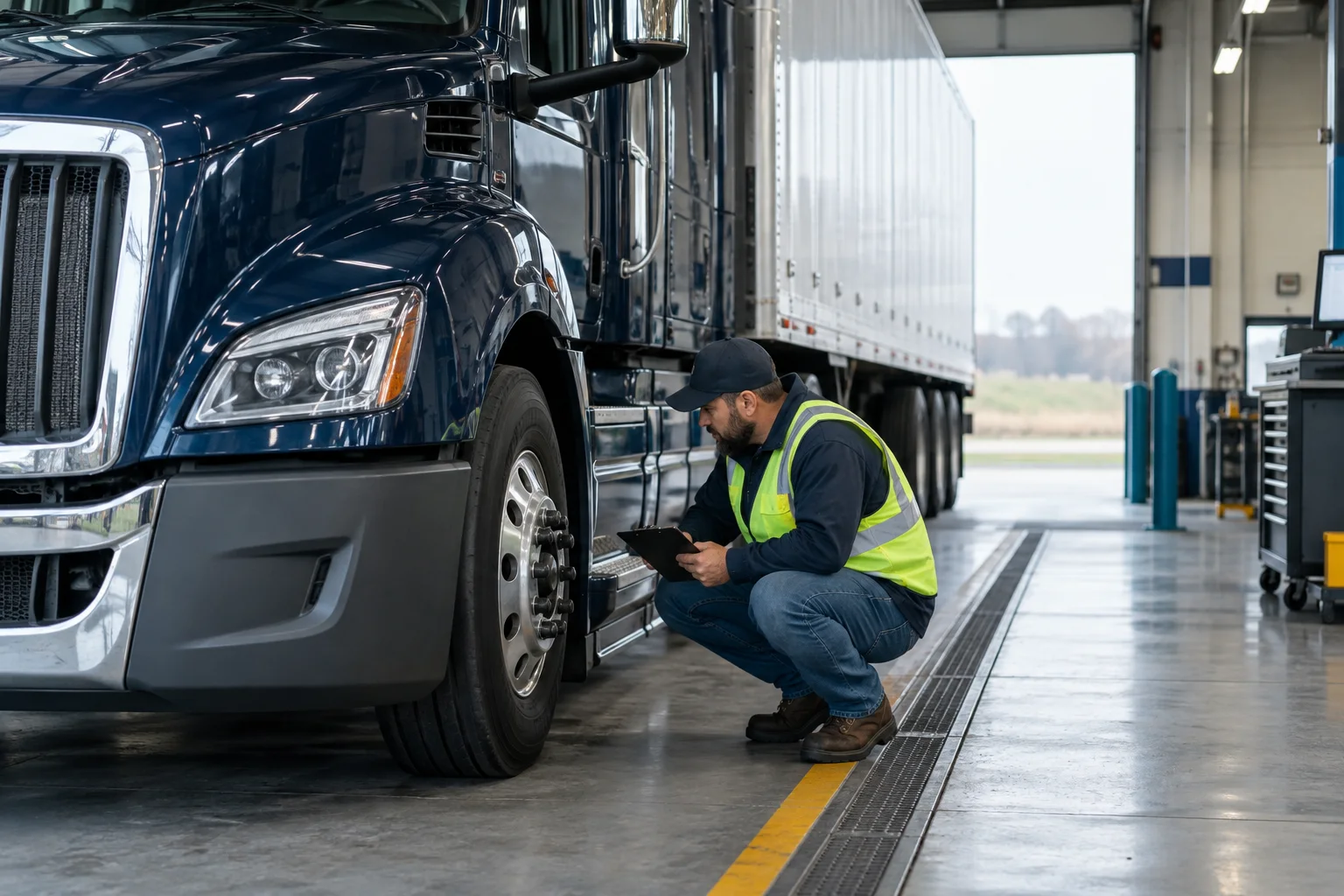
The official Safety Measurement System website[4] provides public motor-carrier safety information and explains that FMCSA uses it to identify carriers for safety interventions. It also provides a separate carrier login for additional data. The public view is not the carrier’s complete account.
For property carriers, the public display includes inspection and crash information and certain safety measures; it does not expose every BASIC result or percentile. Use the information actually available on the current public page. A hidden field, blank result, or unavailable score is not a zero.
SMS can point you toward a subject worth examining—such as vehicle maintenance or hours-of-service issues. It does not replace the original inspection report or the records for a specific trip. Our separate guides cover driver logs and fatigue evidence and driver qualifications and company training records.
Crash involvement and crash preventability are different
The SMS Help Center cautions[3] that state-reported crash data do not contain fault information. A truck can be involved in a reportable crash without its driver having caused it. Avoid calling a listed crash an “at-fault accident” unless separate evidence supports that description.
There is another distinction: FMCSA’s current Crash Preventability Determination Program[5] says crashes determined to be “Not Preventable” are removed from the Crash Indicator calculation but remain listed on the website. Read any determination and notes alongside the count. A listed event and its treatment in a safety calculation are not necessarily the same thing.
The practical takeaway is to save what the official page says, including qualifications. Do not replace those qualifications with a commercial website’s simplified “dangerous carrier” label.

5. Save a research packet someone else can verify
A useful packet lets another person retrace your search. Save an unedited PDF or full-page capture, then keep your own observations in a separate note. If printing cuts off columns or footnotes, save an additional screenshot that includes the missing material.
- Identity: USDOT number, legal name, DBA, and address.
- Search details: official URL, date searched, and search term used.
- Data context: page date, reporting periods, labels, explanations, and any unavailable fields.
- Source documents: truck photographs and the paperwork you used to identify the carrier.
- Questions: inconsistent names, uncertain digits, surprising figures, or missing records.
Do not overwrite an earlier saved version when checking again. Name each file with the carrier identifier and search date so changes can be compared. A page captured today documents what you saw today; it does not necessarily reproduce what the database showed on the crash date.
Keep account credentials and private documents out of public comments. You can discuss how to share materials with the law office when arranging a consultation.

A hypothetical lookup: from a truck photo to useful questions
Illustration only—not a real company or case: A family has a clear photograph of a tractor’s USDOT number but only part of the trade name. They search that number in SAFER and confirm that the legal name and DBA fit their paperwork.
- They save the identity section rather than relying on the partial name.
- They record the inspection counts and reporting period beside the out-of-service figures.
- They copy the safety-rating field exactly, including its date or the absence of a rating.
- They open the available SMS information and save explanatory notes about listed crashes.
- They make a separate question list: Does an inspection involve the same tractor? Is a listed event connected to the condition being investigated? Which original records would answer those questions?
That is a useful research result even if it does not produce a dramatic “score.” It identifies the company, preserves the public information, and shows what still needs checking.
Frequently asked questions
Is a trucking-company safety-record lookup free?
Yes. FMCSA’s Company Snapshot is a free one-carrier-at-a-time query. Start at the official search page rather than assuming a paid commercial report is necessary.
Can I search without a USDOT number?
Yes. The Company Snapshot also accepts a company name or MC/MX number. When searching by name, check the returned identifiers and address carefully before relying on the result.
Does no safety rating mean the company has a clean record?
No. “No rating” is not a favorable rating. Read the available inspection and crash information separately and record what is missing without filling in assumptions.
Does a crash listed in SAFER prove the truck driver was at fault?
No. FMCSA warns that state-reported crash data do not include fault information. Read the event details and any preventability determination; the count alone does not answer who caused the collision.
What if I cannot find the trucking company?
Recheck the identifier and spelling against the original photo or paperwork. Save any conflicting names or numbers. A lawyer can help investigate the company’s identity; you do not need to resolve every database question before asking for help.
Bring the record—and the unanswered questions
Chad Delventhal and Delventhal Law Office can review your truck-identification materials, explain what the public data does and does not show, and discuss the next records to investigate. You can request a free case evaluation without first becoming an expert in federal databases.
This article is general information about Indiana law and is not legal advice. Reading it does not create an attorney-client relationship, and neither does contacting us.