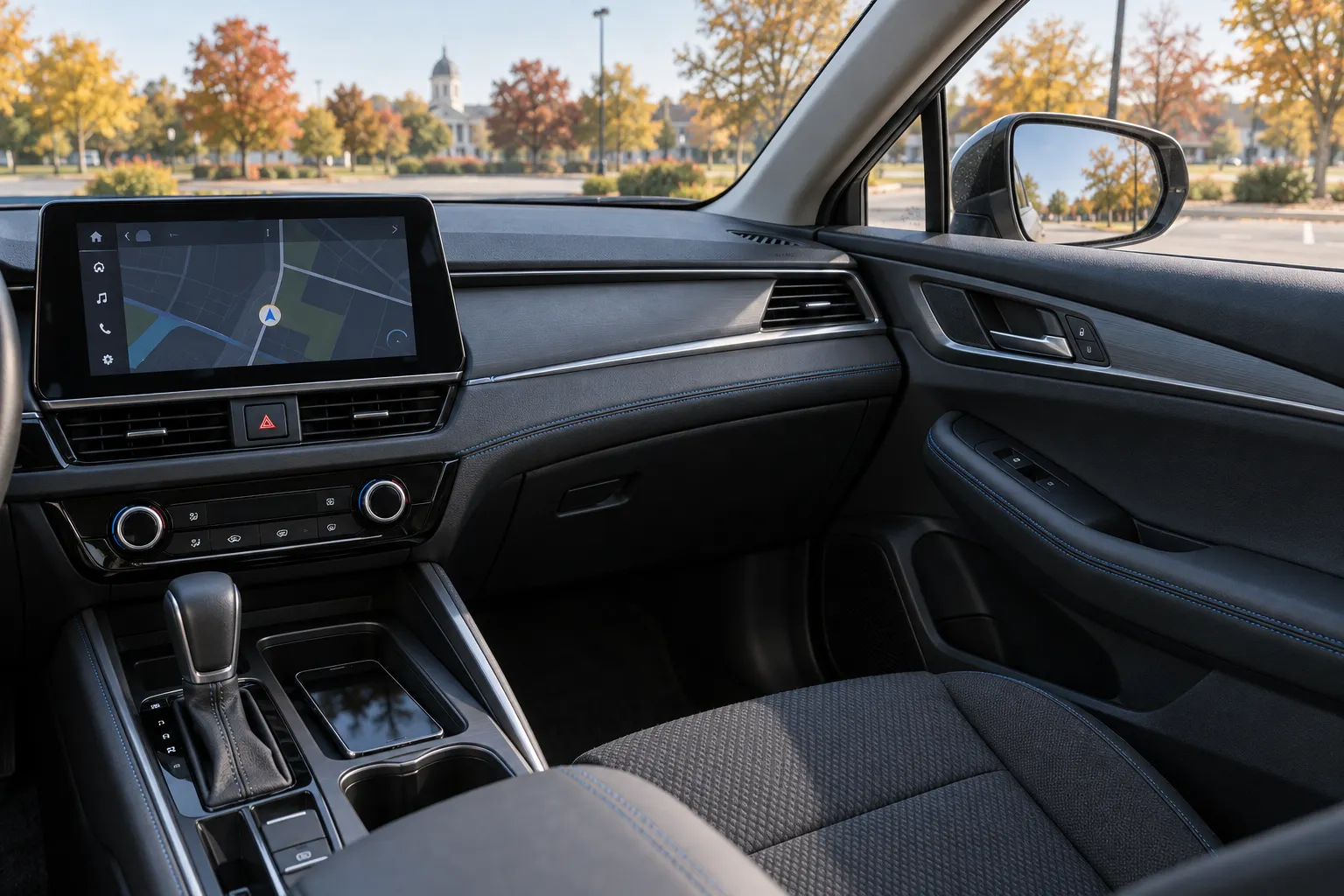
After an Indiana crash, someone may refer to “the car’s phone data” as though it were one complete recording. It is not a useful description until you know which system was examined. This guide focuses on the dashboard’s infotainment system and its relationship with connected phones. For the broader injury-claim process, see our Fort Wayne car accident guide.
Key takeaways
- Keep the vehicle’s infotainment unit, the phone, and any online account separate in your records.
- Ask whether an entry describes pairing, a connection, a particular activity, or only a saved item.
- Identify the device and the relevant time before drawing conclusions about a person.
- Do not assume research on one system describes every vehicle or software version.
- Discuss preservation before resetting equipment or authorizing changes to a potentially relevant system.
Where does the infotainment record actually live?
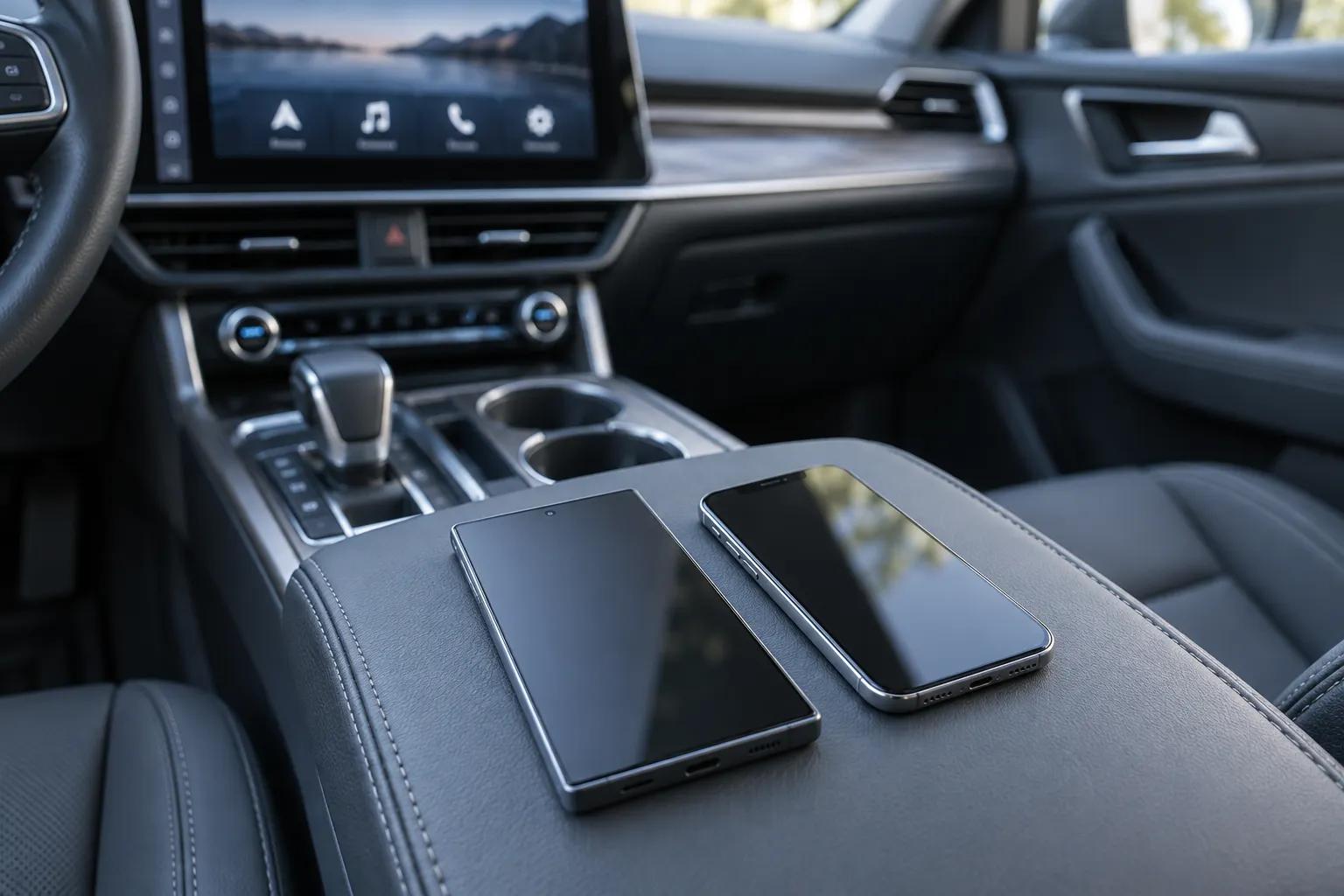
The touchscreen is an interface, not an inventory of every available record. Information relevant to that interface may be found in different places. A 2022 experimental study of Android Auto and Apple CarPlay[1] examined mobile-device storage, infotainment-unit storage, and communications between components. Its results differed across the tested equipment and methods. The study is a technical example, not a compatibility list for every car on the road today.
When someone mentions a download, ask for a plain-language description of its source:
- The vehicle unit: Was the information taken from the installed infotainment equipment?
- The connected phone: Did the relevant item come from storage on a particular handset?
- A service or account: Is the document an account export rather than an examination of the vehicle?
- A screenshot: Is it merely a picture of a menu, or is there an underlying report explaining the displayed item?
These are identification questions, not an assertion that all four sources exist in your case. Use the actual report’s terminology and ask the examiner to explain it. Do not combine records under a single label such as “Bluetooth evidence” if they came from different devices.
This subject also differs from passenger-vehicle event data recorder information. Likewise, a driving-discount program raises separate questions addressed in our insurance telematics and app guide. A request about an infotainment unit should not silently stand in for either of those inquiries.
What does a paired phone establish?
The practical distinction: A device association, a connection at a particular time, and a specific user action are three different propositions. Ask which proposition the record actually supports. Do not turn the first into the third without additional information.
For example, a saved device name might identify a phone previously associated with the system. Before interpreting that name as evidence about this trip, ask how the entry was created, whether it carries a relevant timestamp, and whether the examiner matched it to a specific device. A display label such as “Alex’s phone” should prompt a question about identification—not end the inquiry.
Illustrative example: Alex owns a car, and Morgan borrowed it for a trip. After a collision, a photograph of the dashboard menu shows Alex’s phone among the saved devices. That photograph alone does not tell us whether Alex was in the car, whether that phone was connected during the trip, or whether Morgan used the screen. The next step is to compare the actual records with the occupants’ accounts and any other available evidence. This is a hypothetical, not a Delventhal client story.
The same caution applies to a favorable interpretation. A report that does not identify an interaction should not be described as a complete account of everything the driver did. Ask what the examination covered and what it could not answer.
Read each item as a specific record—not a complete crash narrative
Use this comparison as a question sheet. The examples are possible record descriptions, not a promise that your vehicle stores each item.
| Item being discussed | Question to ask | What not to assume |
|---|---|---|
| Saved or paired-device entry | Which device is identified, and does the entry include a relevant date or time? | That the device’s owner was driving at impact. |
| Connection or disconnection entry | What event does this field describe, and how is its time recorded? | That a connection means someone was typing or reading. |
| Navigation item | Is this a saved destination, a search, or a record associated with a trip? | That a saved address proves the route actually traveled. |
| Contact or phone-related item | Was it synchronized information or a record of a particular activity? | That a contact appearing in the system was called during the crash trip. |
| Summary from an examiner | What source files, methods, and limitations support the summary? | That a selected page describes the entire examination. |
For each disputed entry, keep separate columns for the displayed fact, the interpretation offered, and the unanswered question. This helps avoid changing your recollection to match a technical label.
What does the technical research actually establish?
The study cited above tested eight infotainment environments and found useful artifacts in several parts of the connected system. It also reported important limits: some information varied with the operating-system version; encrypted communications limited analysis; and the researchers could not obtain internal data from one tested BMW unit because of its storage protection.
Another distinction matters: the researchers collected communication traffic during controlled experiments. A laboratory capture of traffic is not proof that the same traffic was saved somewhere during your earlier trip. Ask whether an item was stored and later extracted, or whether the method required observing communications as they occurred.
This is why a useful examination starts with the exact equipment and question. “Can this model’s installed system help answer whether this device was connected near the reported crash time?” is more focused than “Can you download everything the driver did?”
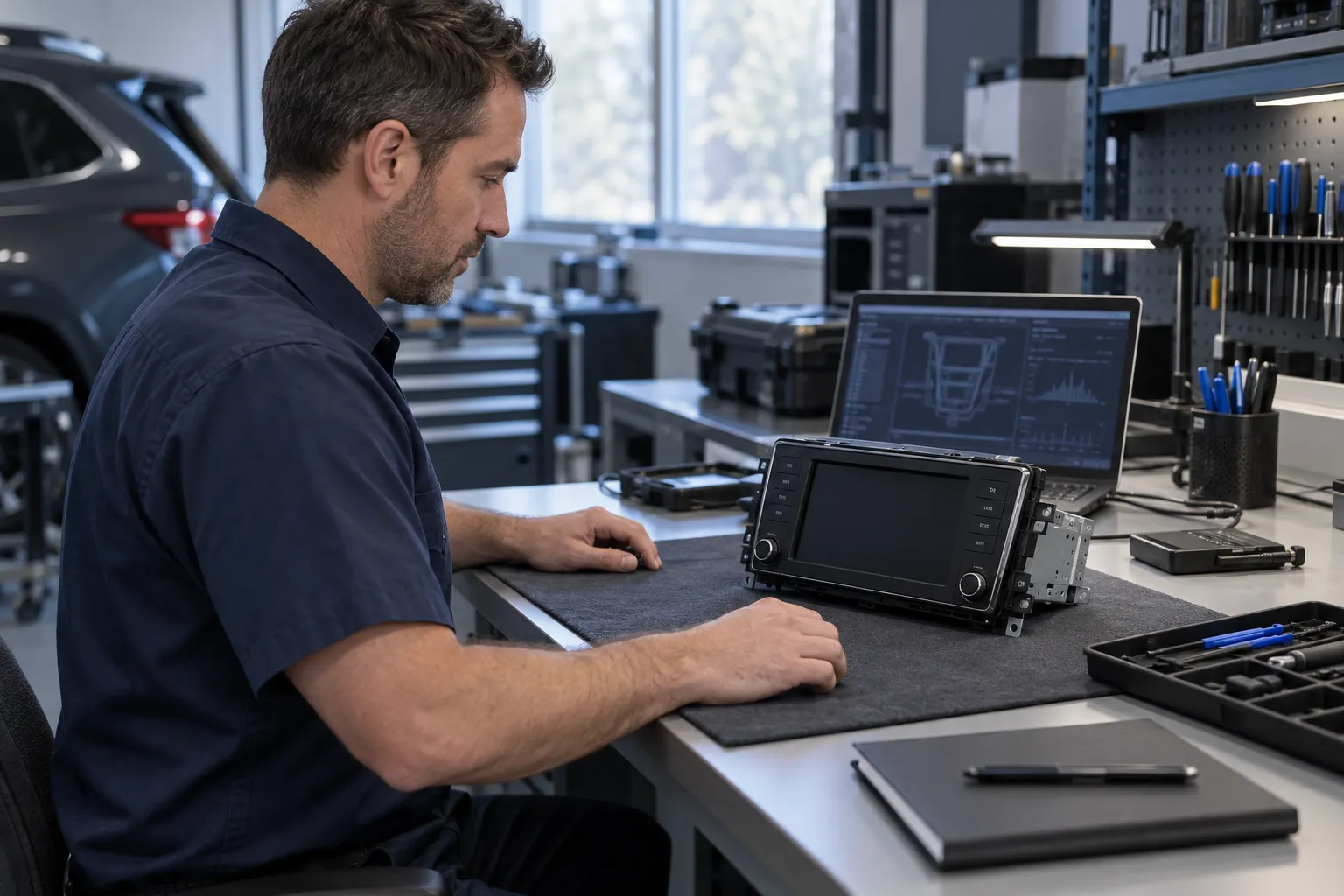
The Federal Law Enforcement Training Centers’ vehicle-data training description[2] explains that specialized hardware can interface with infotainment and telematics systems to acquire binary images and decode and parse data. It also describes work with deleted information. That establishes a specialized field of examination; it does not promise that a particular deleted item can be obtained from your vehicle or establish anyone’s authority to access it.
What should you discuss before a reset, repair, or transfer?
The FTC’s ordinary car-resale privacy guidance[3] identifies information that may remain in vehicle electronics, including synchronized contacts, app information, and navigation locations. It discusses clearing personal data before selling or donating a car. Its subject is privacy during an ordinary transfer—not how to handle potential crash evidence.
For a vehicle involved in a disputed crash, discuss the evidence question before following a routine reset or deletion checklist. The following is practical preparation for that discussion, not a do-it-yourself extraction procedure:
- Identify the vehicle. Gather the make, model, year, VIN, and current location from documents already available to you. Keep identifiers out of public posts.
- Identify the installed equipment. Note whether the unit is original or aftermarket, if known. Save an existing manual, purchase record, or service description rather than experimenting with the system.
- Identify the phones involved. Write down which devices and people you believe were present. Separate firsthand knowledge from assumptions.
- Record planned changes. Tell counsel about a scheduled repair, equipment replacement, trade-in, sale, or return of a borrowed vehicle.
- Preserve existing material. Keep any report, screenshot, correspondence, or export you already have in its original form. Put annotations in a separate working copy.
- Ask about the next step. Discuss who can arrange a suitable examination and what access, scope, and privacy issues need to be addressed.
Do not disconnect a damaged vehicle’s electronics, remove a unit, attempt a password bypass, or access someone else’s phone or account to investigate. Do not power up an unsafe vehicle to look for a menu. Tell the repair or storage contact that a potential examination is being discussed, and ask counsel how to coordinate the next step without leaving necessary safety work unresolved.
What should you ask an infotainment examiner?
A useful report should make the reasoning understandable to someone who is not a digital-forensics specialist. These questions help frame a focused conversation:
- What exact vehicle unit, phone, or other source did you examine?
- How did you identify the hardware and software relevant to the extraction?
- What method and tool version did you use, and what were their limits for this system?
- Does the entry describe a saved item, a connection, or an activity?
- What does the timestamp mean, and which time zone or clock setting applies?
- What supports linking the record to this phone, this trip, and this person?
- Which conclusions are directly supported, and which are interpretations?
- What could not be examined or answered?
- How were the source material and subsequent handling documented?
Ask for explanations of uncertainties as well as findings. For example, distinguish “no matching entry was found in the material examined” from “this activity did not happen.” Then compare the supported findings with the crash timeline, witness observations, and any available video rather than making the dashboard record carry the whole explanation.
Frequently asked questions
Does a paired phone prove its owner was driving?
No. A paired-device entry alone does not establish the driver’s identity. Ask whether the record is tied to the trip and compare it with information about the occupants and the actual device.
Does every CarPlay or Android Auto system keep the same records?
Do not assume that. The research discussed here found differences between tested systems and software versions. It does not provide an all-model list of what can be obtained from current vehicles.
Is a photograph of the paired-device screen enough?
It can document what was visible when the photograph was taken. It does not, by itself, explain when each entry was created, who used the device, or what additional records exist. Keep the photograph and ask what else is needed.
Should I reset the system before the damaged car is transferred?
Discuss the crash-evidence question before a routine reset or deletion. Explain the planned transfer, the vehicle’s location, and any repair or safety issues so privacy and preservation can be addressed together.
Is an infotainment examination the same as a black-box download?
No. Identify the system and the scope of each proposed examination. An infotainment request is not a substitute for a separate inquiry about an event data recorder.
Prepare a focused packet for a Fort Wayne case review
If your vehicle is at a Fort Wayne repair shop or storage facility, bring its location, the contact person, and any scheduled work information. Add the report or screenshot being discussed, the vehicle documents, and a short account of who was in the vehicle and which phones you know were present. You do not need to extract the data yourself before asking for help.
If device use is part of the dispute, our distracted-driving accident page explains the broader case context. Contact Delventhal Law Office for a free consultation about what happened and whether a focused examination would be useful. Share sensitive records privately through the channel the office provides, not in a public comment.
This article is general information about Indiana law and is not legal advice. Reading it does not create an attorney-client relationship, and neither does contacting us.